

Is Your Church Page Up to Date? A 10-Minute Monthly Check
A simple 10-minute monthly checklist to keep your church's times, address, photo and Christmas details right, so visitors never find a locked door.
By David · Published 13 November 2026
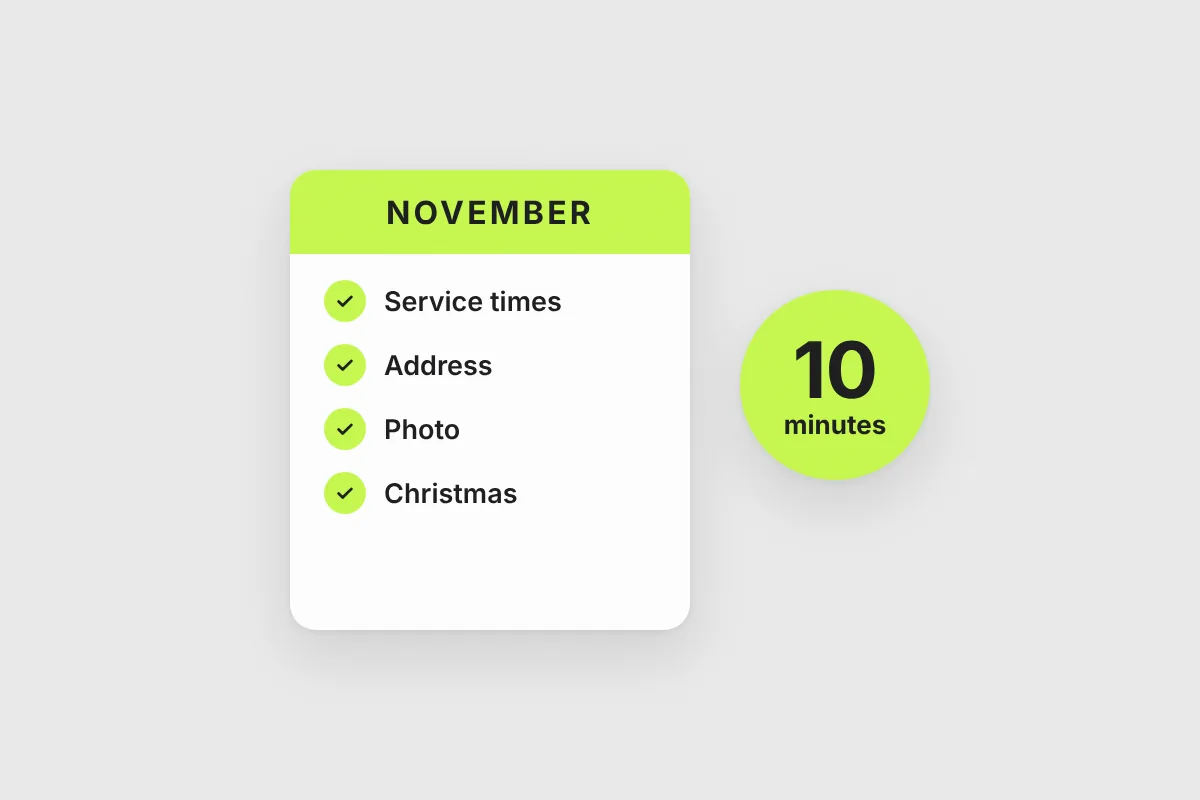
Churches change more often than their web pages do. A service moves to a new time. A group stops meeting. The hall is being renovated, so Sunday is in the school next door. Everyone in the church knows. The internet doesn't.
When we checked the first twelve churches on ChurchedIn against their own websites, four had an address or a service time in the older sources that was out of date. These were active, healthy churches. Nothing was wrong with them except that nobody had a habit of checking.
A visitor who arrives at the wrong place or the wrong time rarely tries a second time. This guide gives you a ten-minute check, once a month, that prevents it.
Why pages go stale
Almost never by neglect. It happens because the person who changes the schedule is not the person who updates the page. The pastor changes the time, the secretary tells the congregation, and nobody tells Google, Apple Maps, the website and the directory listing. Four places, four chances to forget.
The fix is not more effort. It is a small, regular routine.
The 10-minute check
Do this on the same day every month. Open your own church page on your phone, the way a visitor would see it, and go through the list.
1. Service times (2 minutes). Are this Sunday's and next Sunday's times right? Check for holidays, summer schedules and any special Sunday this month. If you changed times recently, see our guide to service times people can trust.
2. Address and how to find you (1 minute). Is the address right, the postcode, the map pin? If you meet in a rented hall, does the page say which entrance to use?
3. Contact details (1 minute). Does the phone number work? Does the email get answered? If a question came in today, who would reply, and how quickly?
4. Special services (2 minutes). This month it is Christmas. People start searching for Christmas services in mid-November, so now is the time to add yours: Christmas Eve, Christmas Day, carol services, and a note if you have a children's service. In the autumn, remember Advent. In spring, Easter. On ChurchedIn, add them under special services on your church page, and they appear on your public page in the weeks before.
5. Events (1 minute). Delete or archive what is over. Add the next two events you know about, with date, place and a line about who it is for.
6. Photo (1 minute). Is it recent? A building photo from 2015, or a stock image, tells a visitor little. A real photo of your entrance or your people is better.
7. Description (1 minute). Read your short and long text as a stranger. Is everything still true? Do you still have the children's group you mention? If you want to improve it, see our guide on writing an About text that welcomes visitors.
8. Languages (1 minute). Do you still translate? Did a new language group start? Update it so people searching in that language find you.
That is ten minutes. Most months, the answer to most items will be "fine", and the check takes five.
Make it a habit that survives a busy month
- Pick a date. The first Monday of the month works well. Put it in the church calendar.
- Give it to one person, not the pastor. A secretary, a volunteer, someone who likes details. Name a backup.
- Keep one master list of your times in a shared document and copy from it, so there is only one place to change first.
- Check your Google Business Profile at the same time. It is the other place visitors look. Our guide on the Google Business Profile for churches explains how.
How it works on ChurchedIn
If you manage your church page on ChurchedIn, the Home screen has a card called "Still accurate?". If nothing has changed, you tap once and you are done. If something has, one tap takes you to the right section, whether times, photo, description or special services. A monthly summary email also shows how many people looked at your page, which is a good reminder of why it matters.
If your church is not managed yet, claiming your page is free and takes a few minutes.
Your checklist
- This Sunday's and next Sunday's times are right
- Address, postcode and map pin are right
- Phone and email work and someone answers
- Christmas (or the next season) is added
- Past events removed, next events added
- Photo is recent
- Description still true
- Languages are current
Ten minutes a month is a small price for never sending a visitor to a locked door.